

Appearance
iPhone and iPad
You can see your iPhone or iPad on your computer by plugging it in, tapping Trust and clicking Mirror, and if you also want to tap and type on it, there is one more step on the iPhone, which you do once.
What you need
| Mirror | Control | |
|---|---|---|
| On a Mac | iOS 26 or newer | iOS 26.6 or newer |
| On Windows or Linux | iOS 27 or newer | iOS 27 or newer |
An iPad works the same way as an iPhone. If the iOS version is too old, Aelin says so on the device’s page and Mirror stays off.
Mirror
- Plug in the iPhone with a USB cable and unlock it.
- Tap Trust on “Trust This Computer?” and enter your passcode.
- Click Mirror in Aelin.
- Windows: the first time, Aelin offers to install Apple’s USB driver. Click Install, and Windows asks for your permission once.
- Mac: the first time you mirror, macOS asks to let Aelin use the Camera. That is just the name macOS gives to phone screens, and your Mac’s camera is never used.
Turn on Control
Control lets you tap, swipe and type on the iPhone from your computer, but it needs Developer Mode on the iPhone. Aelin shows you the steps when you first use Control, and ticks each one when it sees that you’ve done it.
- On the iPhone, open Settings › Privacy & Security › Developer Mode. If you don’t see it, it shows up after the iPhone has been connected to a developer tool once.
- Turn it on. The iPhone asks to restart; tap Restart.
- After the restart, tap Turn On and enter your passcode.
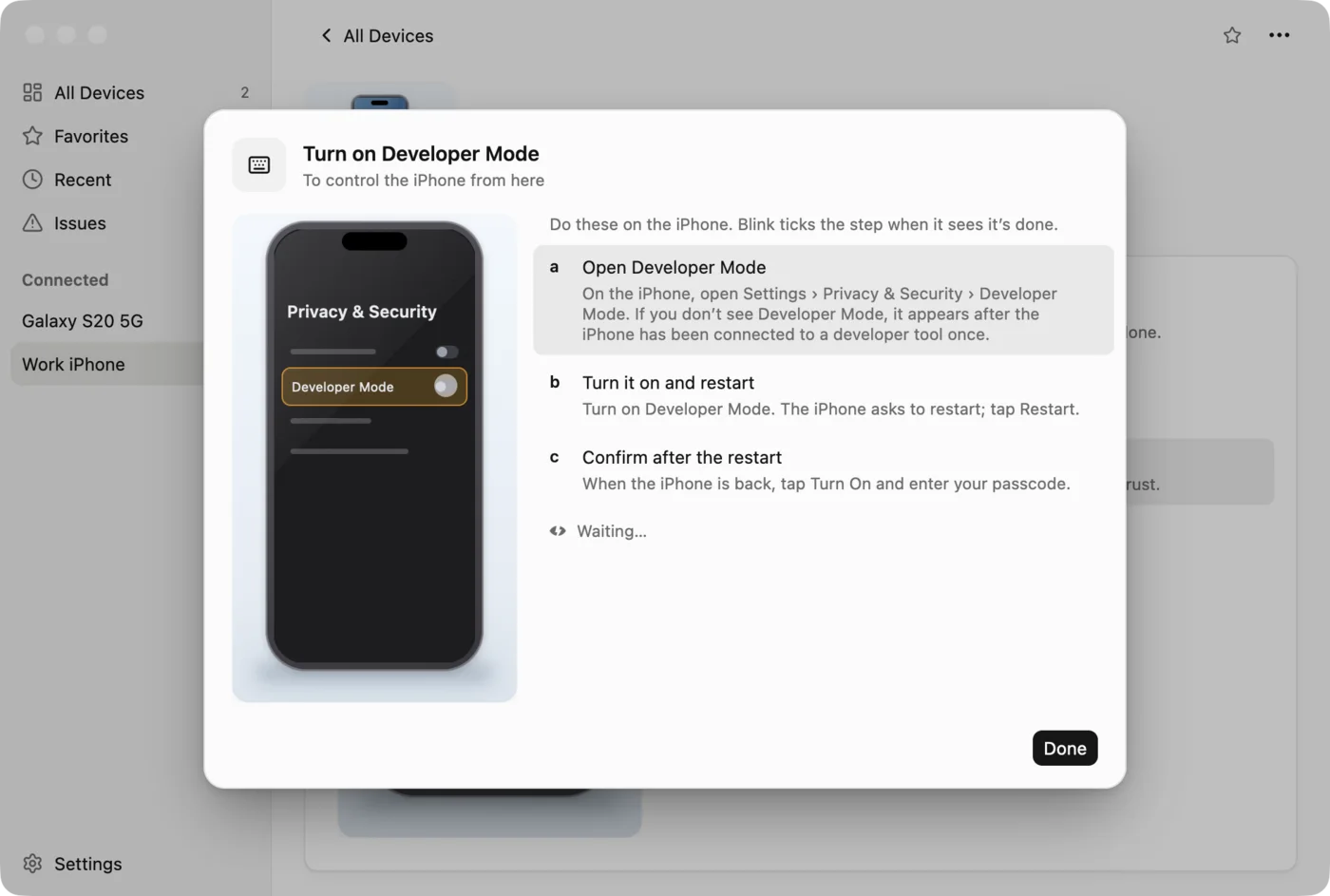
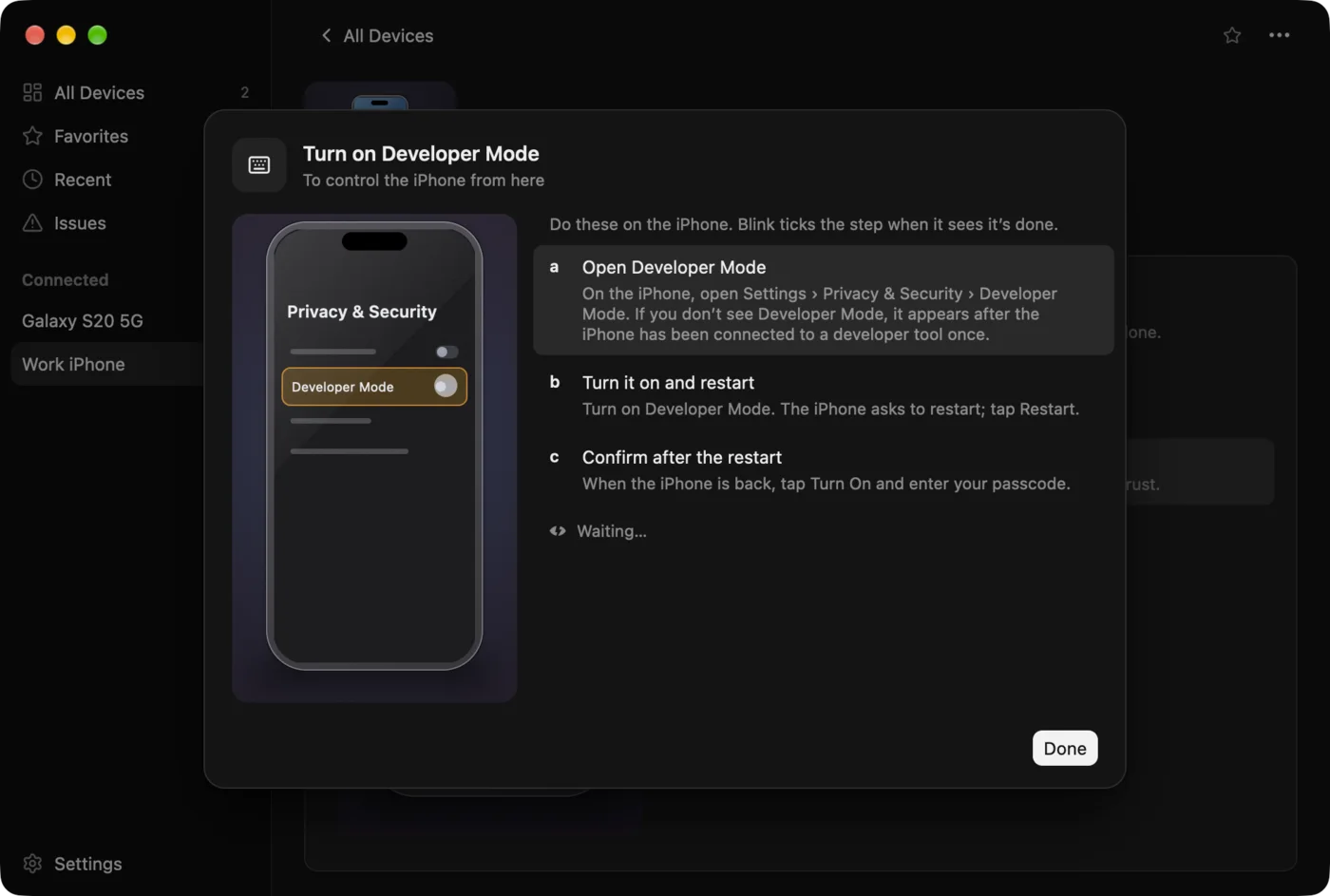
The first time, Aelin also downloads a file that Apple’s tools need to type and tap on an iPhone (the Developer Disk Image, about 16 MB). It works for every iPhone you plug in later.
Good to know
- The screen stays on while you mirror an iPhone.
- Copy and paste: ⌘V (CtrlV) pastes your computer’s text on the iPhone. Copying text from the iPhone to the computer doesn’t work: iOS doesn’t allow it.
- Sound plays on your computer. It can be a little ahead of or behind the picture.
- No cable: after the first time, the iPhone can mirror over Wi‑Fi, as Wi‑Fi explains.
- Locked iPhone: Aelin can unlock it for you, as Unlock explains.